📄
Invoices & quotes
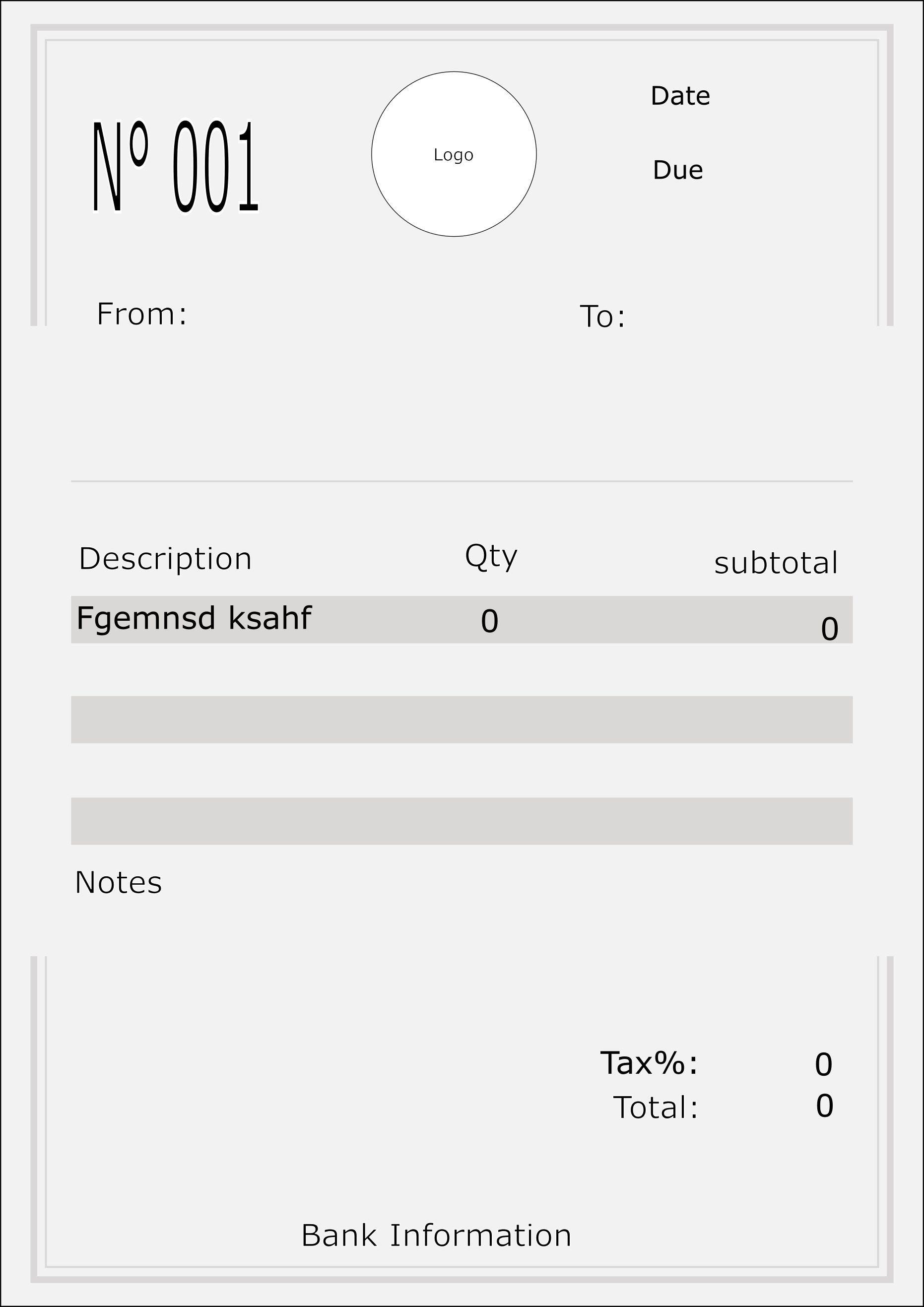
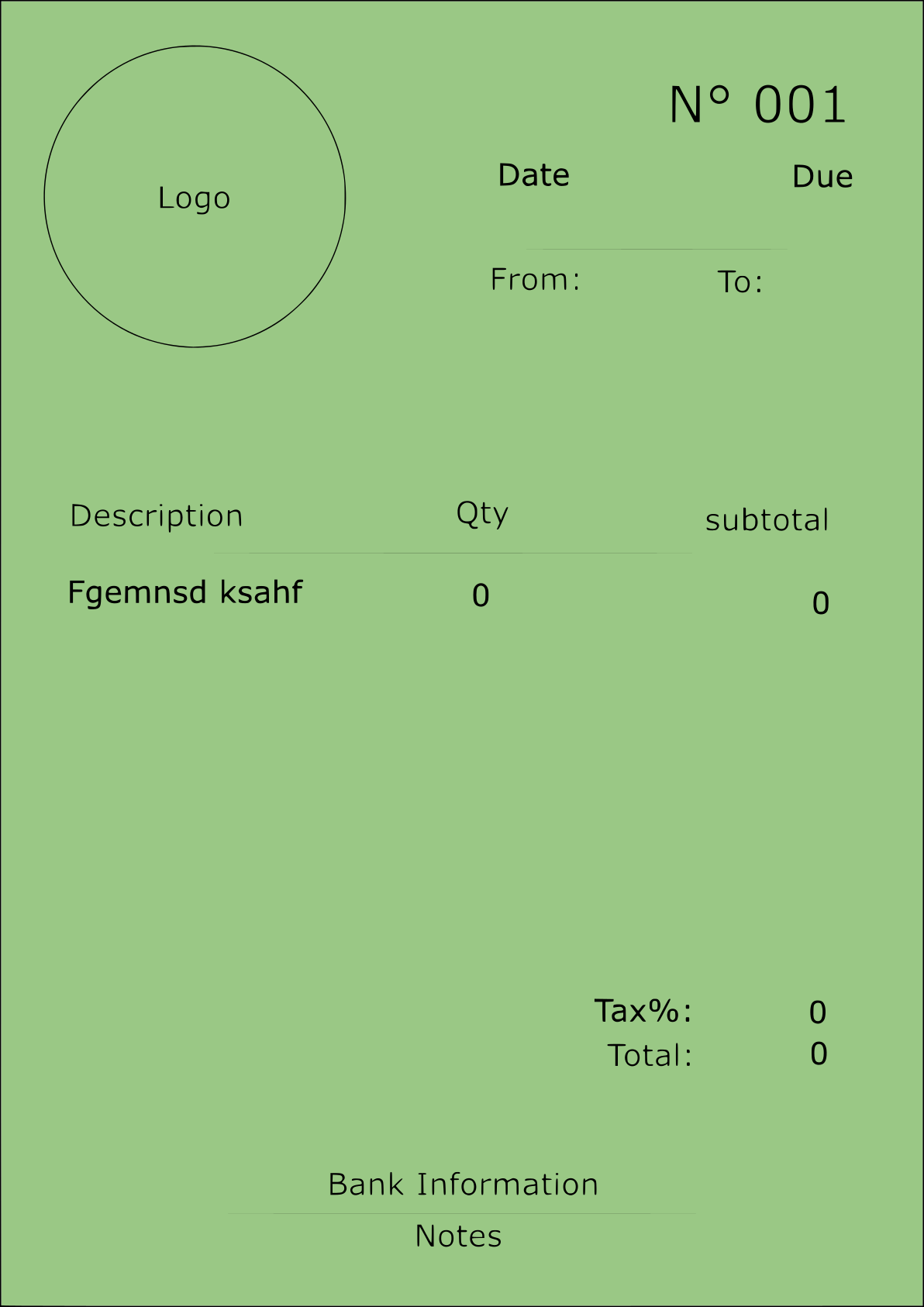
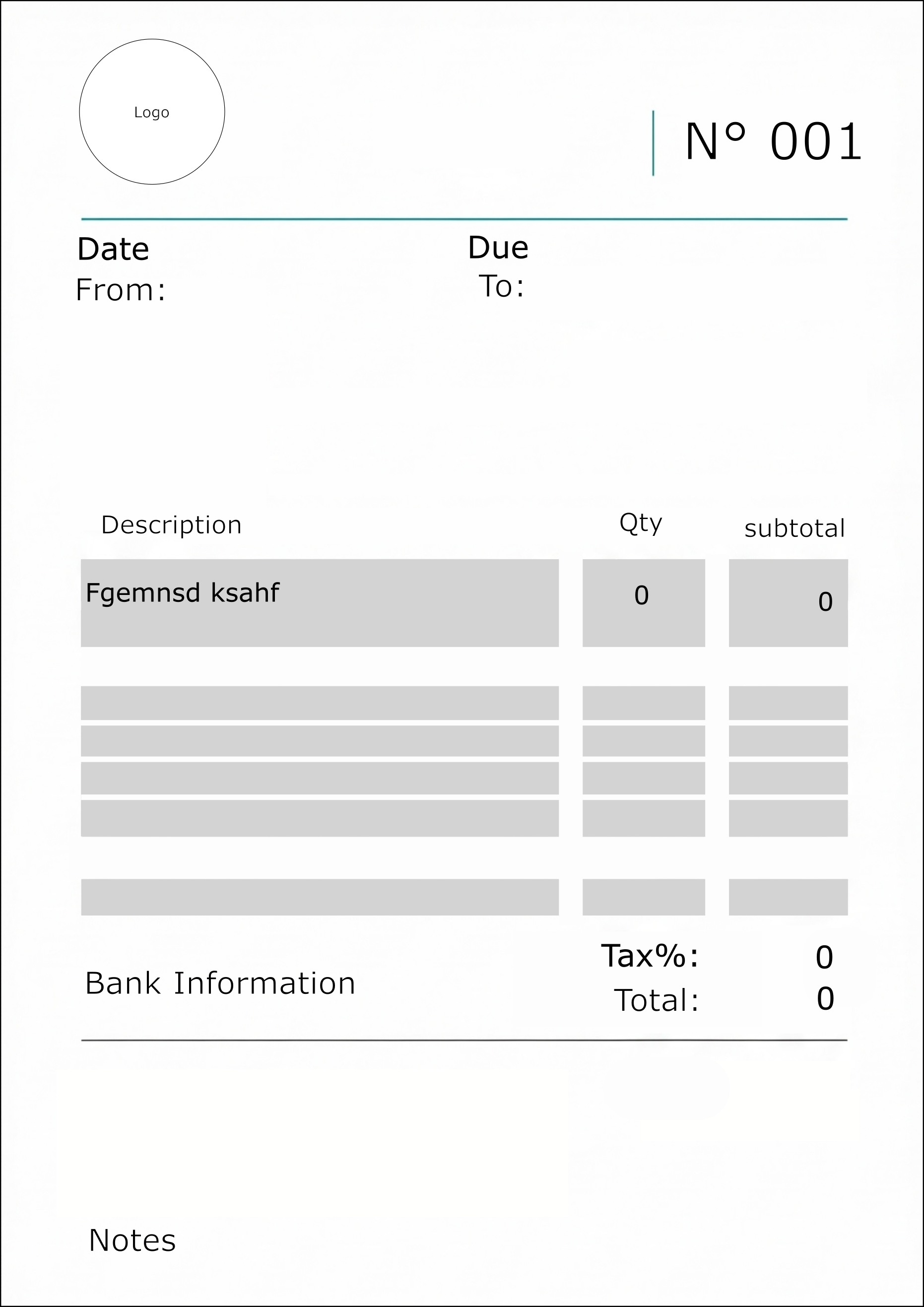
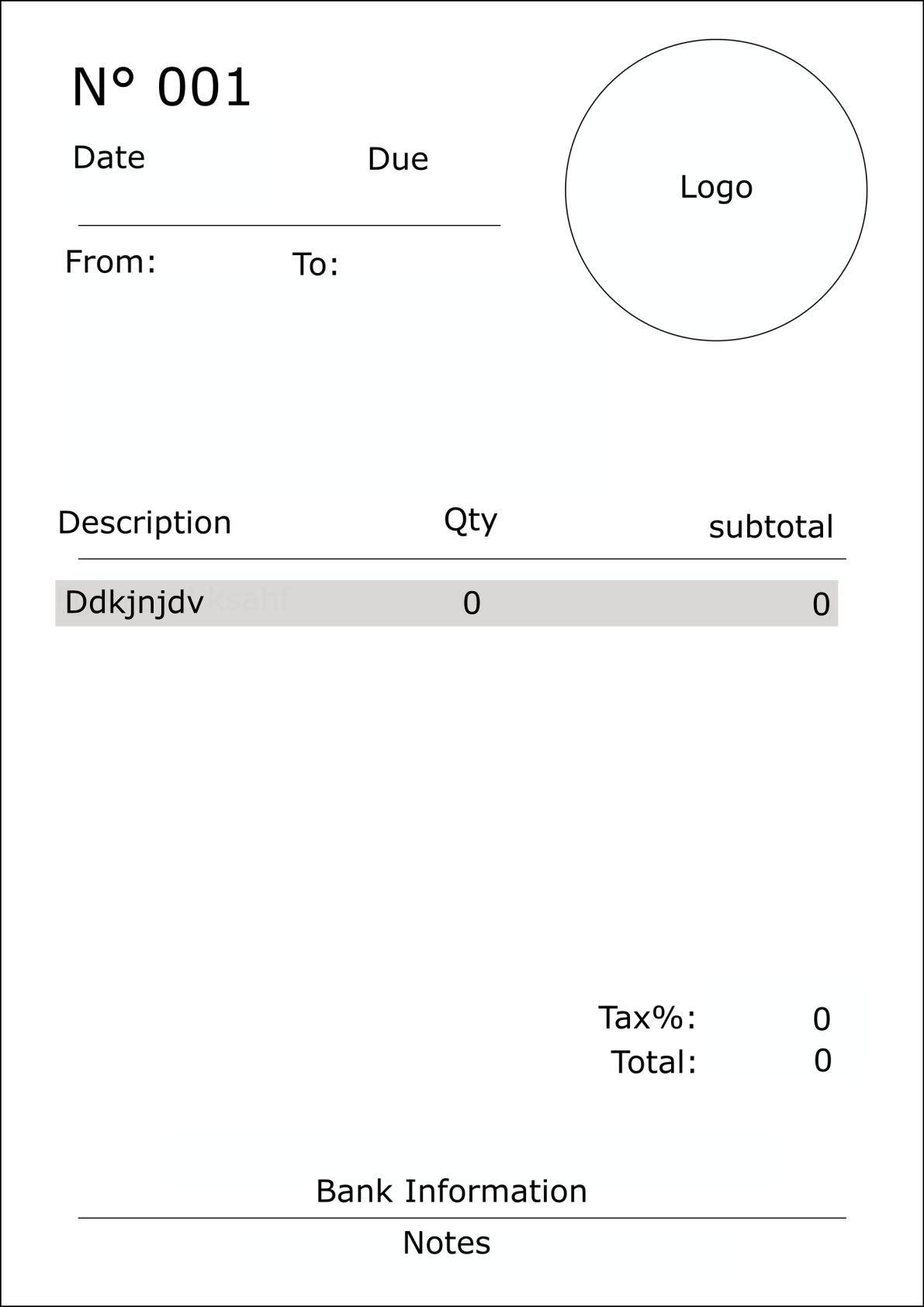
Create invoices and quotations with automatic, sequential numbering and clean, professional PDF layouts.
Free · Offline · No sign-up
Inkvoice turns your phone into a complete invoicing studio — polished, branded PDFs in seconds, and every invoice sent in your client's own language. Everything stays on your device: no account, no cloud, no catch.
💛 Free forever — we'll only ever show a few small ads to keep the lights on. Very few, we promise.
Work in the language you know and send each invoice in the one your client reads — English, German, Spanish or French. Cross-border billing, done properly: matching currencies, tax numbers and date formats, all in one tap.
Built for freelancers, tradespeople and small businesses who bill on the go.
Two ways to install — pick your device.
The full Inkvoice app, one tap away.
GET IT ONGoogle PlayPrefer the web version? Open inkvoiceapp.com/app in Chrome, then menu (⋮) → Install app.
Inkvoice installs straight from Safari — no App Store needed.
Yes. Inkvoice is free to use. Both the Android version and the PWA for iPhone are ad-supported to keep it that way — only a few small ads, we promise.
No sign-up, no login. Open the app and start invoicing immediately.
Entirely on your device. Inkvoice works fully offline and never uploads your invoices or clients to a server.
It isn't broken — you most likely installed it twice. Because your data lives on your device (not in the cloud), each install keeps its own separate set of invoices and profile. Installing the app a second time, or opening it in a different browser (for example Chrome and Firefox), creates a fresh, independent copy that won't share data with the other one. It can feel like invoices went missing, but they're safe — just in the other copy. Pick one install and use only that one. Before removing the extra copy, open it and export a backup from the Profile screen if it has invoices you want to keep, then restore that backup into the copy you're keeping.
Inkvoice runs on iPhone as an installable web app — add it to your Home Screen from Safari and it behaves just like a native app, offline included.
Yes. You can export a backup file from the Profile screen and restore it whenever you need.
Yes. Inkvoice lets you set the invoice language separately from the app's language, so you can work in your own language and bill each client in theirs — English, German, Spanish or French.
The Android app creates EN 16931 e-invoices in the Factur-X / ZUGFeRD format, with the buyer reference and VAT fields needed for European business-to-government (B2G) invoicing.